
For the best learning experience, we recommend using Google Chrome or Microsoft Edge to access this course. Other browsers may not support all features and could affect functionality.
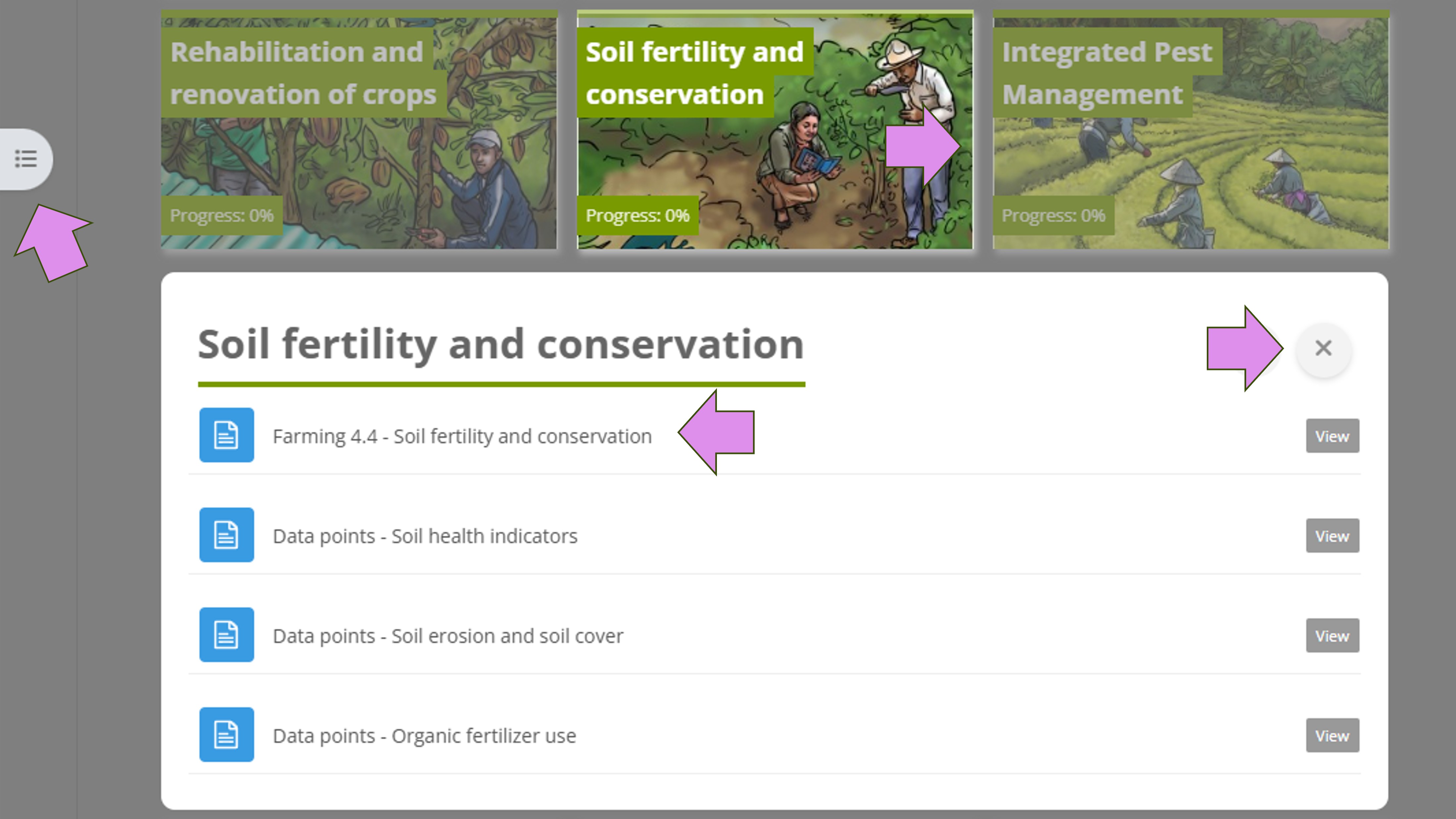
The course has different sections. When you click on a section image, it will open, and you can see its activities. Click on the activities to view them.
Click on the X to close a section and open another one.
You can also use the small menu on the left side for navigation by clicking on the three dots.
-----------------------------------------
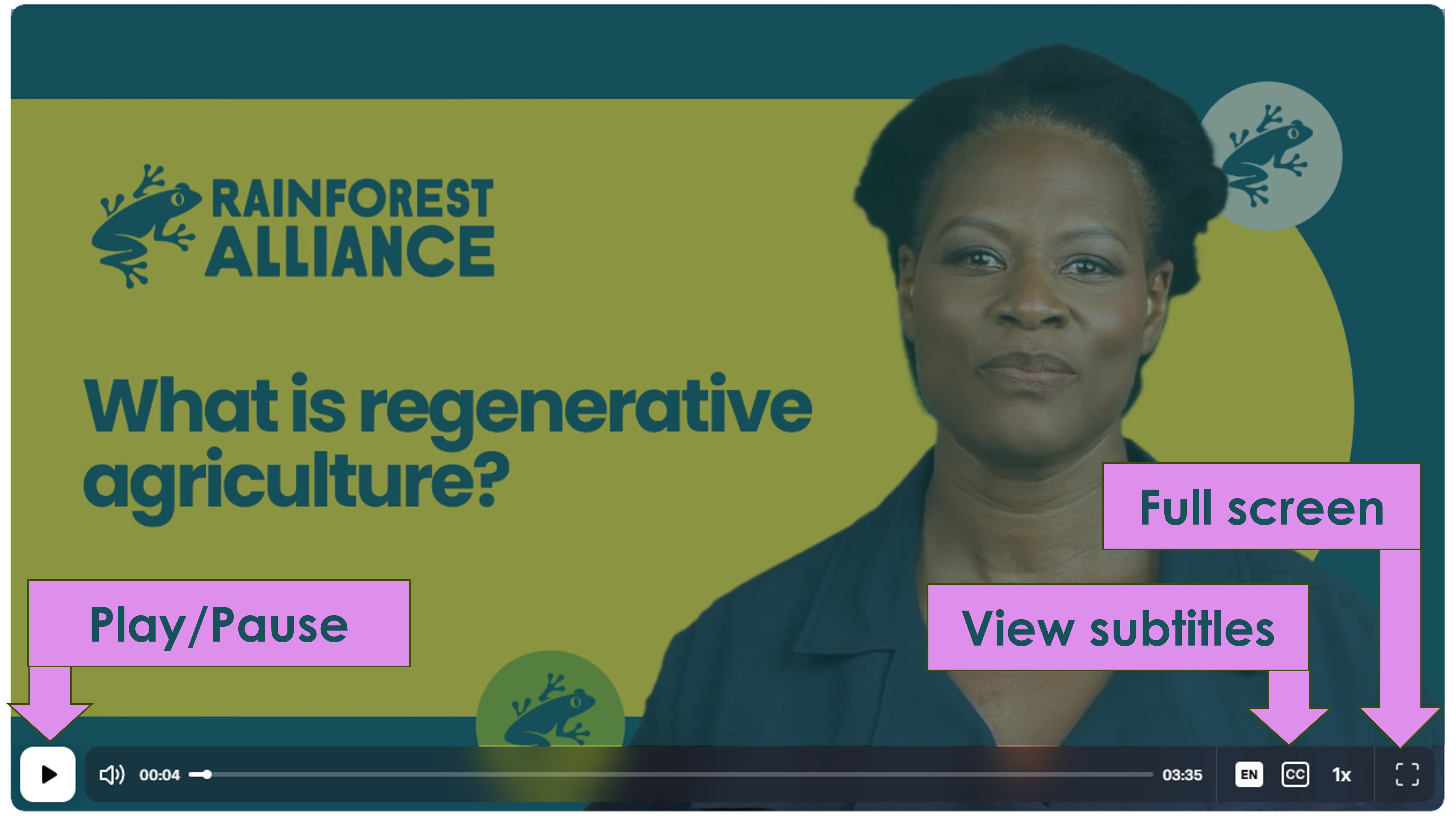
While watching a video, you can use the full screen button to enlarge it and turn the subtitles on or off.
-----------------------------
We will also provide links to important resources that you can visit. You will find all the important links in the section “Requirements: Introduction and resources”.